
🚀 Quick Overview
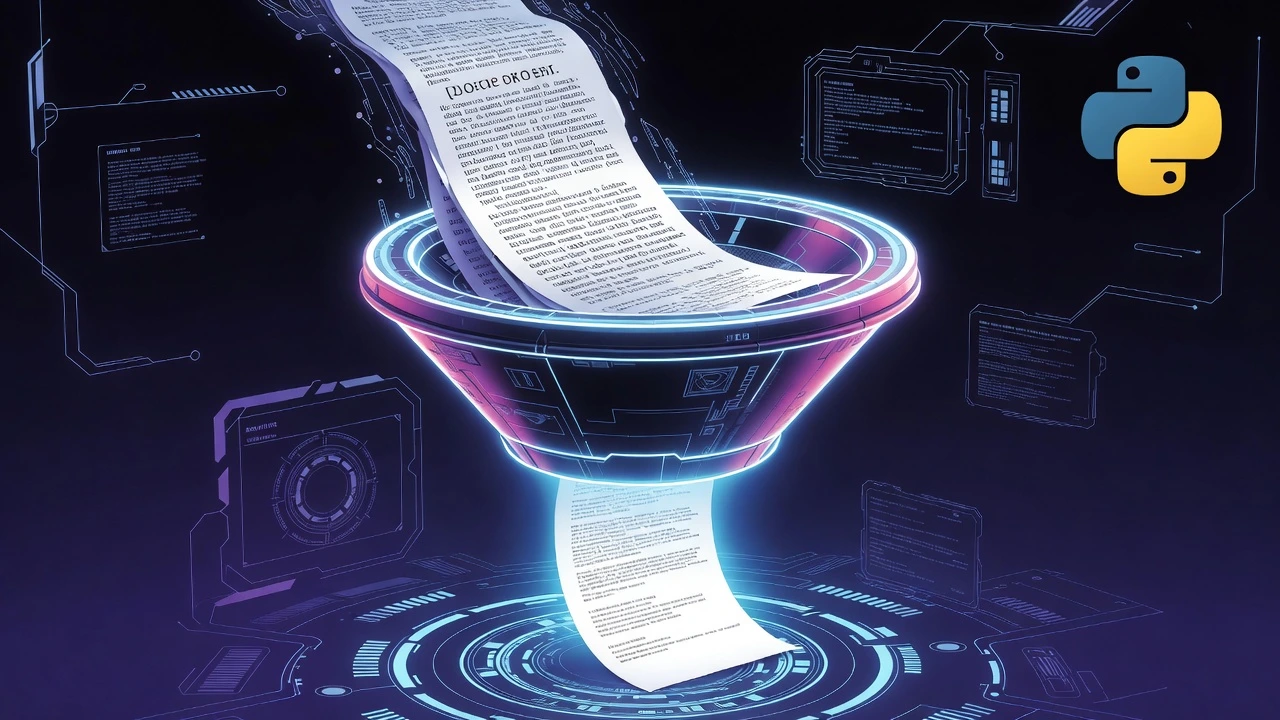
- The Goal: Turn a 1,000-word article into a 2-sentence summary automatically.
- The Tech: Hugging Face
transformerslibrary. - The Cost: 100% Free (Runs locally on your machine, no API keys!).
- Time to Build: 15 Minutes.
In this tutorial, you will learn how to build a text summarizer in Python using Hugging Face, allowing you to condense massive documents into bite-sized bullet points.
We live in an era of information overload. Between endless news articles, 20-page legal contracts, and massive project documentation, nobody has the time to read everything word-for-word.
In our last tutorial, we used Python to detect the emotion inside a block of text. Today, we are taking Natural Language Processing (NLP) a step further. We are going to teach Python how to actually understand the text well enough to summarize it.
To do this, we will use Hugging Face. Think of Hugging Face as the “GitHub of AI.” It is a massive community where engineers share pre-trained AI models for free. You don’t need a PhD in machine learning, and you don’t need a paid OpenAI account. Let’s get started.
Step 1: The Setup (Installing Transformers)
We need to install the transformers library (built by Hugging Face) and a backend tool called tf-keras to run the neural networks behind the scenes.
Open your terminal and run:
pip install transformers tf-kerasStep 2: The “Pipeline” Magic
Hugging Face makes AI incredibly easy by using something called a Pipeline. A pipeline handles all the messy, complicated data processing for you in the background.
Create a file named summarizer.py. We will set up a summarization pipeline and feed it a long paragraph about space exploration.
from transformers import pipeline

# 1. Load the AI Model
# Note: The first time you run this, it will download the model to your computer.
# It might take a minute or two, but it's completely free!
print("Loading AI Summarizer...")
summarizer = pipeline("summarization", model="sshleifer/distilbart-cnn-12-6")

# 2. Our Long, Boring Text
long_article = """
The James Webb Space Telescope (JWST) is a space telescope designed primarily to conduct infrared astronomy.
As the largest optical telescope in space, its high infrared resolution and sensitivity allow it to view objects
too old, distant, or faint for the Hubble Space Telescope. This is expected to enable a broad range of
investigations across the fields of astronomy and cosmology, such as observation of the first stars and the
formation of the first galaxies, and detailed atmospheric characterization of potentially habitable exoplanets.
The telescope was launched on an Ariane 5 rocket from Kourou, French Guiana, in December 2021.
"""

# 3. Generate the Summary
print("\nSummarizing...")
# We tell the AI we want a summary between 20 and 50 words long.
result = summarizer(long_article, max_length=50, min_length=20, do_sample=False)

# 4. Print the Result
print("\n--- ORIGINAL LENGTH ---")
print(f"{len(long_article.split())} words")

print("\n--- AI SUMMARY ---")
print(result[0]['summary_text'])
Step 3: The Output
When you run the script, the AI will digest that dense, scientific paragraph and spit out something much easier to read:
“The James Webb Space Telescope is the largest optical telescope in space. It was launched on an Ariane 5 rocket from French Guiana in December 2021. It is expected to enable a broad range of investigations across astronomy and cosmology.”
Real-World Freelance & Business Value
This script isn’t just a cool party trick; it is a highly marketable tool. Here is how you can use it to build a portfolio or sell services:
- The Automated Newsletter: Write a script that scrapes the top 5 news articles in your industry every morning, summarizes them, and sends the bullet points directly to your Telegram bot.
- Contract Scanner: Help freelancers by building a tool that reads 10-page Terms of Service agreements and highlights the core deliverables in plain English.
Conclusion
By leveraging open-source tools like Hugging Face, you don’t need to reinvent the wheel (or pay expensive API fees) to build powerful AI applications. You now have a working AI summarizer running locally on your own machine.