
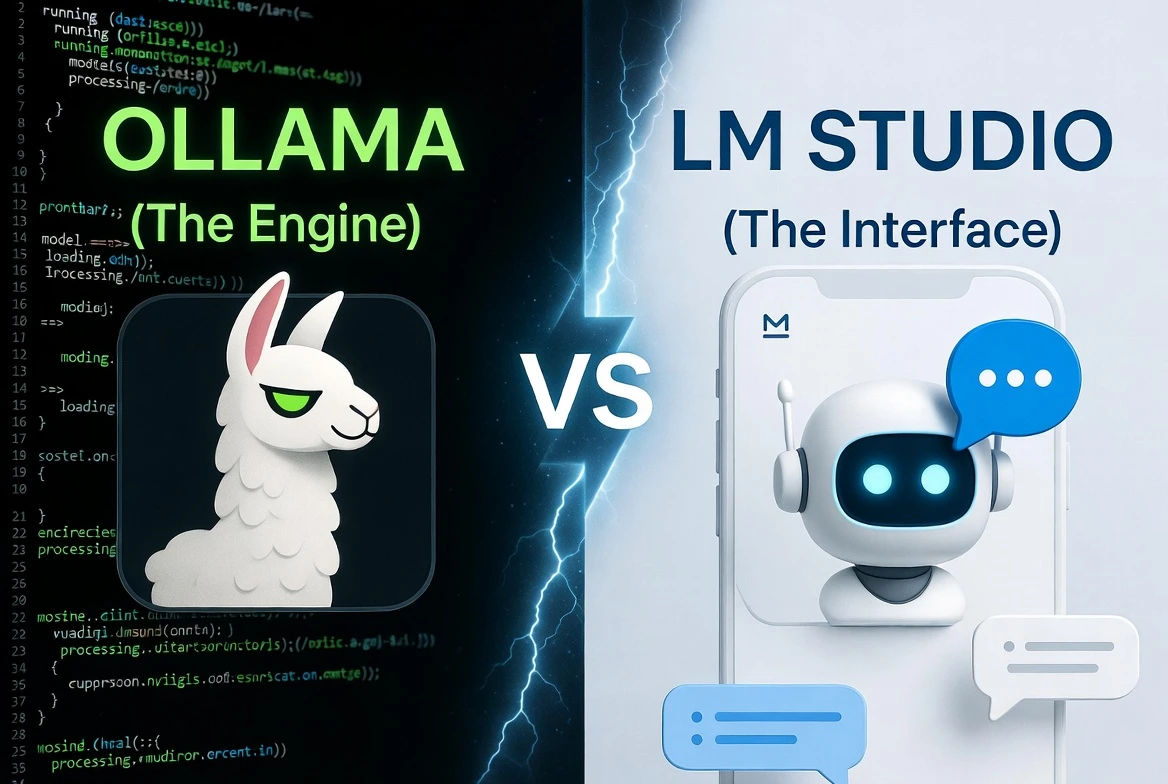
⚡ Quick Summary
- Ollama: Best for developers who like the terminal and want to build AI apps.
- LM Studio: Best for beginners who want a beautiful, “ChatGPT-like” app experience.
- The Secret: They aren’t enemies. You can actually use them together!
So, you read our guide on how to run Llama 3 with Ollama. You got it working, but maybe that black terminal window felt a little… 1999. You found yourself thinking, “Isn’t there just an app for this?”
Yes, there is. In fact, there are two main tools fighting for the title of “Best Local AI Runner”: Ollama and LM Studio.
Which one should you choose? Let’s break it down.
The Core Difference: Engine vs. Car
The easiest way to understand the difference is with an analogy.
- Ollama is the Engine. It is powerful, efficient, and runs under the hood. It doesn’t have a steering wheel or a dashboard; it’s built to be connected to other things.
- LM Studio is the Whole Car. It has a beautiful dashboard, comfortable seats, and a GPS. You just get in and drive.
The Comparison at a Glance
| Feature | Ollama 🦙 | LM Studio 🤖 |
|---|---|---|
| Primary Interface | Terminal / Command Line | Beautiful Desktop App (GUI) |
| Ease of Use | Medium (Requires some technical comfort) | Very High (Just point and click) |
| Finding Models | Website Library (ollama.com/library) | Built-in “App Store” Search |
| Best For… | Developers, Builders, Linux Users | Beginners, Writers, Casual Users |
| Open Source? | ✅ Yes | ❌ No (Proprietary) |
Contender 1: Ollama (The Developer’s Darling)
Ollama is the favorite tool for software engineers and people who love efficiency. It runs silently in the background as a service. Because it doesn’t have a heavy graphical interface, it’s often slightly faster and uses less RAM.
Its real power is for developers. If you want to write a Python script that uses AI to categorize your emails, Ollama is the perfect tool because it has a super simple API that your code can talk to.
Who Should Choose Ollama?
- You are comfortable with the terminal/command line.
- You want to build your own AI applications.
- You are a Linux user (it works flawlessly on Linux).
- You prefer open-source software.
Contender 2: LM Studio (The Beginner’s Best Friend)
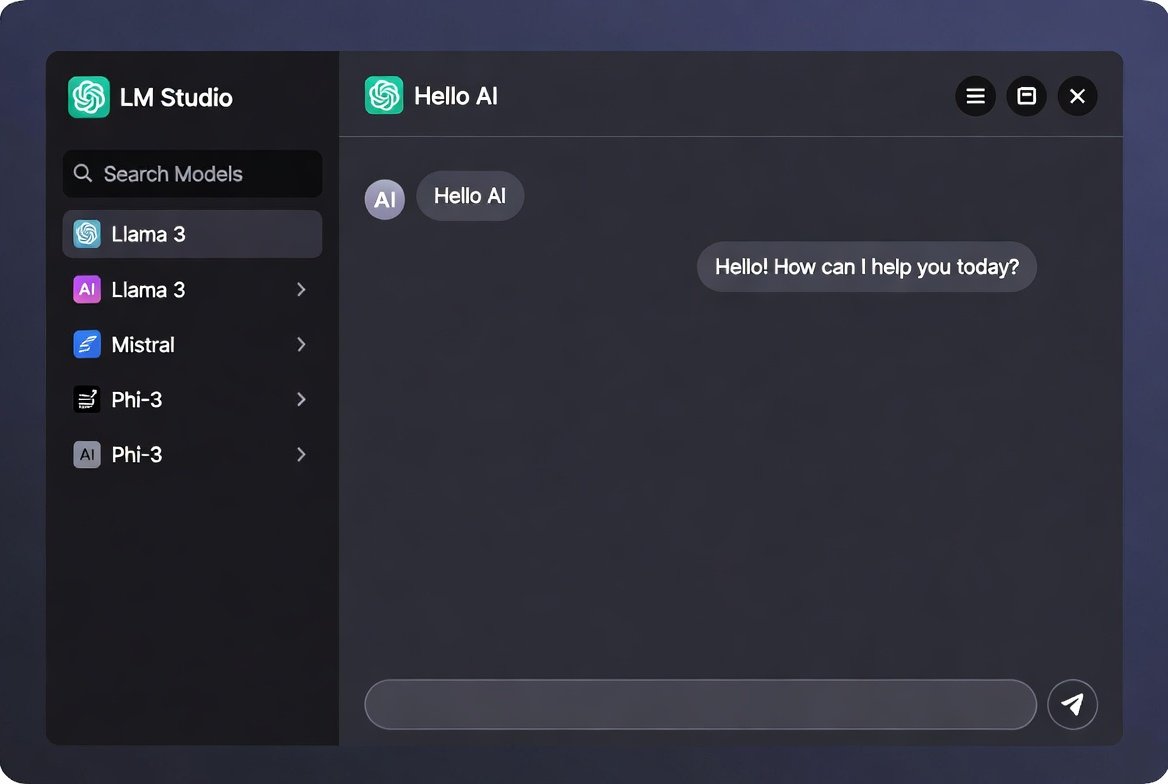
LM Studio is a breath of fresh air if the terminal scares you. You download an installer file, run it, and boom—you have an app that looks almost identical to ChatGPT.
Its best feature is the built-in search. You don’t have to go to a website to find models. You just type “Llama 3” into the app’s search bar, click “Download,” and start chatting. It also makes it incredibly easy to adjust advanced settings like “Temperature” (creativity) with simple sliders.
Who Should Choose LM Studio?
- You want a “plug-and-play” experience with zero coding.
- You want a beautiful interface designed for chatting.
- You want to easily browse and experiment with hundreds of different models.
- You are on Mac or Windows (Linux support is currently in beta).
The Final Verdict
There is no wrong answer here. Both tools are fantastic and completely free.
If you followed our Llama 3 tutorial and felt empowered by the terminal, stick with Ollama. It’s a skill that will serve you well.
If you just want to start chatting with a private AI right now without learning any commands, download LM Studio. It is the easiest on-ramp to the world of local AI.