
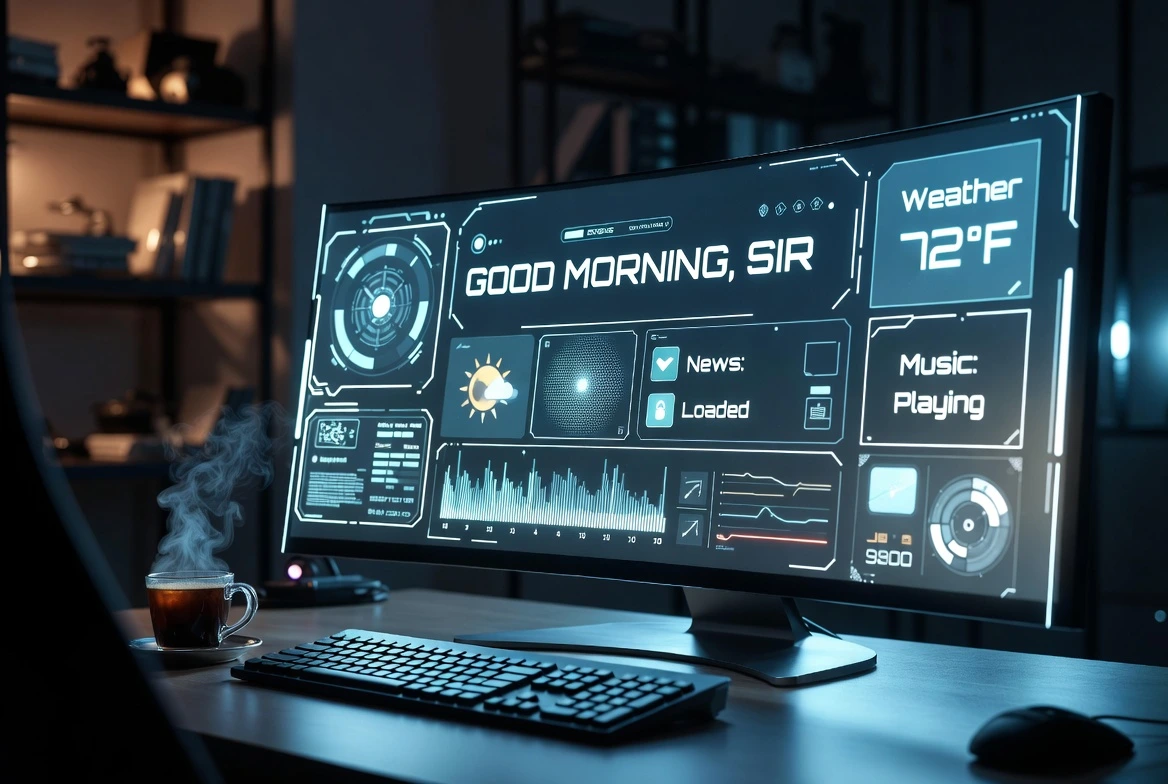
⚡ What You Will Build
- The Problem: You waste 15 minutes every morning opening tabs, checking weather, and finding playlists.
- The Solution: A script that does it all in 1 second.
- The Tech: Webbrowser module + Weather APIs + Random Motivation.
We all want to feel like Iron Man. Imagine sitting down at your desk, typing one command, and watching your computer spring to life—news ready, music playing, weather reported.
Today, we wrap up Automation Week by combining everything we’ve learned into one “Master Script.” Let’s build your personal assistant.
The Toolkit 🧰
We will use two main libraries:
webbrowser: Built-in to Python (no install needed). It opens tabs in Chrome/Firefox.requests: To fetch the weather (you installed this on Wednesday).
Step 1: The “Jarvis” Code 💻
Create a file named morning.py and copy this code:
import webbrowser
import requests
import time
import random
# --- CONFIGURATION ---
MY_CITY = "New York" # Change to your city
MORNING_SITES = [
"https://mail.google.com",
"https://www.linkedin.com",
"https://www.theverge.com",
"https://news.ycombinator.com"
]
MUSIC_URL = "https://www.youtube.com/watch?v=jfKfPfyJRdk" # Lofi Hip Hop Stream
# ---------------------
def open_websites():
print("🌐 Opening your morning briefing...")
for site in MORNING_SITES:
webbrowser.open(site)
# Open music last so it's the active tab
webbrowser.open(MUSIC_URL)
def get_weather():
# Using Open-Meteo API (Free, No Key required!)
# First, we need to get lat/long for the city.
# For simplicity, let's just use a geocoding API or hardcode it.
# Here is a hardcoded example for New York (40.71, -74.00)
# You can find your lat/long on Google Maps.
url = "https://api.open-meteo.com/v1/forecast?latitude=40.71&longitude=-74.00¤t_weather=true"
try:
response = requests.get(url)
data = response.json()
temp = data['current_weather']['temperature']
print(f"☀️ Good Morning! The weather in {MY_CITY} is {temp}°C.")
except:
print("Could not fetch weather... look out the window!")
def give_motivation():
quotes = [
"Focus on being productive instead of busy.",
"The secret of getting ahead is getting started.",
"It always seems impossible until it is done."
]
print(f"\n💡 Quote of the Day: {random.choice(quotes)}")
if __name__ == "__main__":
print("--- STARTING MORNING ROUTINE ---")
get_weather()
give_motivation()
time.sleep(2) # Read the quote first
open_websites()
print("--- SYSTEM READY ---")
Step 2: Customizing It ⚙️
Change the Sites
Edit the `MORNING_SITES` list. Add your work Jira board, your school portal, or your favorite blog (like LogicPy!).
Change the Music
Swap the `MUSIC_URL` for your favorite Spotify Web Player playlist or a different YouTube video.
Fix the Weather
The script uses hardcoded coordinates for New York. To make it accurate for your city:
- Go to Google Maps and right-click your city.
- Copy the numbers (e.g., 34.05, -118.24).
- Paste them into the `url` line in the code.
Step 3: Run it automatically
Remember our guide on Scheduling Python Scripts? You can set this script to run automatically at 8:55 AM every weekday.
By the time you sit down with your coffee at 9:00 AM, your computer is already waiting for you.
What’s Next? 🔮
You have successfully survived Automation Week! You now have scripts to:
- Clean your files.
- Track crypto prices.
- Send emails.
- Start your day.
Next week, we are entering the visual world. Get ready for Data Visualization Week, where we will turn boring Excel sheets into beautiful Python charts.