
⚡ Key Takeaways
- Total Privacy: Your data never leaves your computer. No big tech company sees your files.
- Zero Cost: Once you download the model, it is free forever. No monthly subscriptions.
- Offline Capable: It works on an airplane, in a cabin, or when the WiFi is down.
We all love ChatGPT. It is smart, fast, and helpful. But it has one major flaw: It lives in the cloud.
Every time you type a message, you are sending that data to a server owned by OpenAI, Google, or Anthropic. For casual questions, that is fine. But what if you want to summarize your bank statements? Or debug proprietary code? Or write a personal journal entry?
Enter the Local LLM.
What Exactly is a “Local” LLM?
A Local LLM (Large Language Model) is an AI that runs entirely on your hardware. Instead of connecting to a massive supercomputer in California, you download a smaller, efficient “brain” (the model file) directly to your laptop’s hard drive.
Think of it like the difference between streaming a movie (Netflix) and downloading a file (MP4). Once you have the file, you don’t need the internet anymore.
The 3 Big Benefits 🚀
1. Extreme Privacy (The “Black Box” Effect)
When you run a Local LLM, you could physically cut your ethernet cable, and the AI would still work. This means it is physically impossible for your data to leak. For lawyers, doctors, or privacy-conscious developers, this is a game-changer.
2. No Monthly Subscriptions
GPT-4 costs $20/month. Claude Pro costs $20/month. A Local LLM costs $0. Open-source models like Llama 3 (from Meta) or Mistral are free to download and use as much as you want.
3. Zero Latency (It’s Fast!)
Have you ever watched ChatGPT “think” while the text slowly types out? That is network lag. With a local model running on a decent computer, the text often generates instantly.
“But is my computer powerful enough?” 🤔
In 2026, the answer is probably Yes.
You don’t need a $10,000 supercomputer anymore. Thanks to a technique called “Quantization” (which shrinks models without making them dumb), you can run very smart models on normal hardware.
- For Basic Models (Llama 3 8B): You need about 8GB of RAM (standard on most laptops).
- For Advanced Models (Llama 3 70B): You need a powerful desktop with a dedicated NVIDIA GPU.
How Do I Start? (Teaser)
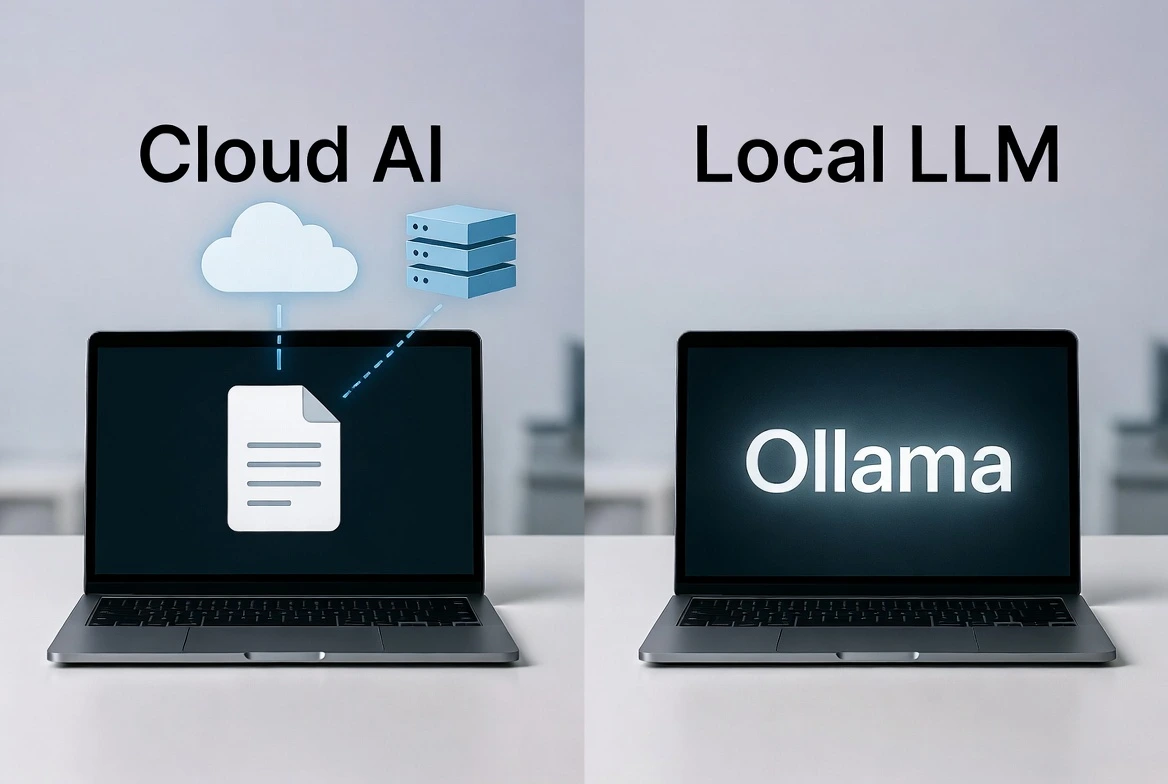
The best tool for this is called Ollama. It makes downloading an AI as easy as installing a Chrome extension.
We aren’t going to cover the installation today. Why? Check out our full guide: How to Run Llama 3 Locally with Ollama.
So, check your RAM, clear some hard drive space, and get ready to cut the cord.
Frequently Asked Questions
Is a Local LLM as smart as GPT-4?
Not quite, but it is close. A local model like Llama 3 (8B) is smarter than GPT-3.5 but slightly less capable than GPT-4. However, for 90% of daily tasks (summarizing, coding, rewriting), you won’t notice the difference.
Do I need a Mac or a PC?
Both work! Macs with “M1” or “M2” chips are actually incredible for Local AI because of their unified memory. Windows PCs with NVIDIA graphics cards are also excellent.
Is it legal to download these models?
Yes. Companies like Meta, Mistral, and Google have released “Open Weights” models. They want you to download and build with them.
Does it drain my battery?
Yes. Running an AI brain requires math. If you run this on a laptop, expect your battery to drain faster than usual (similar to playing a video game).