

🚀 Quick Overview
- The Problem: Most creators guess what content will go viral. They spend hours making videos without knowing if the market actually wants it.
- The Solution: Build a Python bot that scrapes TikTok for specific hashtags, extracts the view counts, and outputs the data into a spreadsheet for analysis.
- The Tech: Python,
playwright, andpandas. - Time to Build: 20 Minutes.
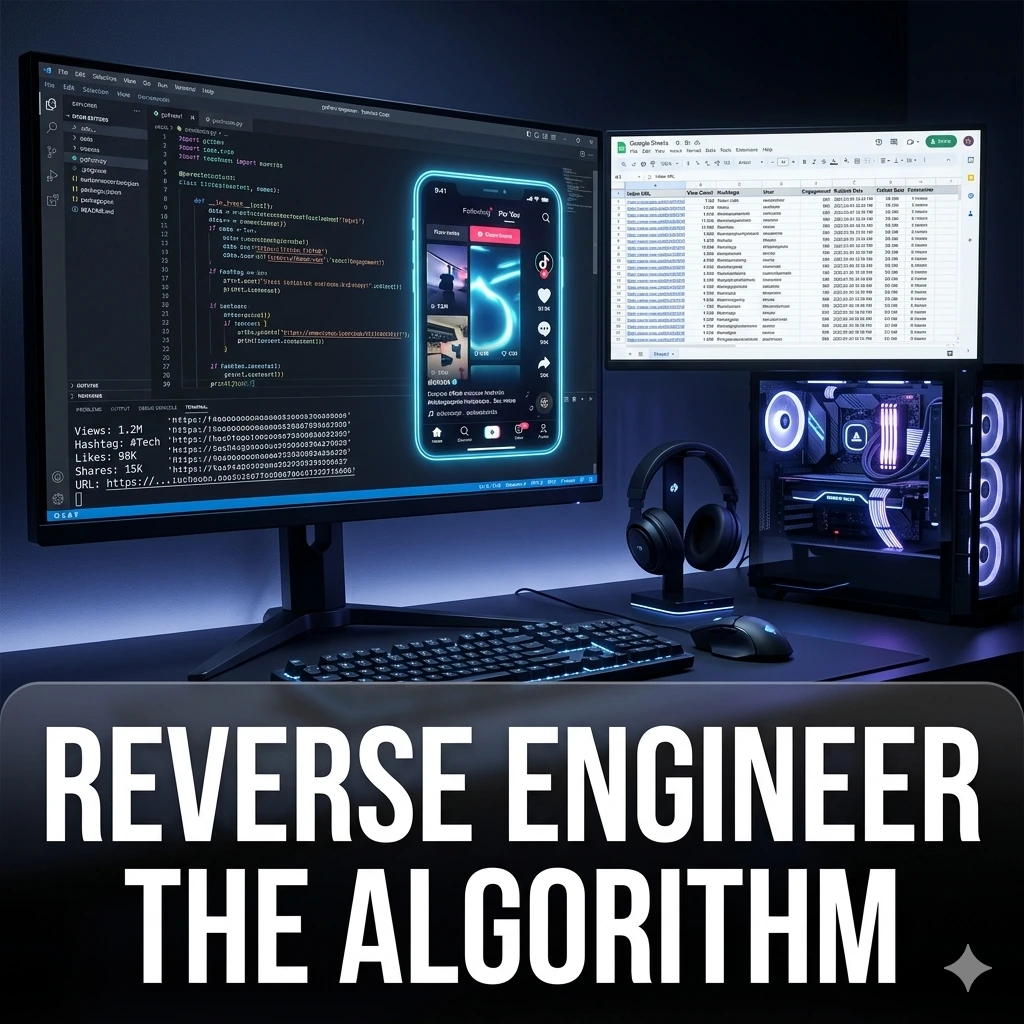
In this tutorial, you will learn how to reverse engineer social media algorithms by building a Python TikTok trend scraper using Playwright to extract data-driven content ideas.
Going viral is not magic. It is data. The biggest creators and marketing agencies on the internet do not guess what to post. They scrape platforms to see exactly what topics, sounds, and formats are currently generating millions of views, and then they replicate that format.
But scraping modern social media platforms is notoriously difficult. If you try to use basic Python libraries like BeautifulSoup, TikTok will block you instantly or serve you a blank page because it relies heavily on dynamic JavaScript.
To bypass this, we are bringing out the heavy artillery: Playwright. Playwright is an automation library that actually launches a real, hidden Chromium browser, mimics human behavior, and extracts the data we need. Today, we are going to build a bot that scrapes the top trending videos for any niche and dumps the analytics into a clean CSV file.
Step 1: The Setup (Installing Playwright)
We need to install Playwright and the Pandas library (to handle our spreadsheet data). Playwright also requires a one-time setup command to download the hidden browsers it needs to operate.
Open your terminal and run these two commands:
pip install playwright pandas
playwright install
Step 2: Launching the Ghost Browser
We are going to write a script that targets a specific TikTok hashtag page (e.g., #technology), waits for the videos to load, and extracts the exact view count and URL of the top-performing posts.
Create a file named trend_scraper.py:
from playwright.sync_api import sync_playwright
import pandas as pd

def scrape_tiktok_hashtag(hashtag):
    # 1. Start the Playwright engine
    with sync_playwright() as p:
        print(f"1. Launching browser to search #{hashtag}...")

        # We set headless=True so it runs invisibly in the background.
        # Set to False if you want to watch the bot work!
        browser = p.chromium.launch(headless=True)
        page = browser.new_page()

        # 2. Navigate to the hashtag page
        page.goto(f"https://www.tiktok.com/tag/{hashtag}")

        print("2. Extracting top trending videos...")
        # Wait for the video feed elements to load on the screen
        page.wait_for_selector('div[data-e2e="challenge-item"]')

        # Grab all the video elements
        videos = page.locator('div[data-e2e="challenge-item"]').all()

        trends = []

        # 3. Loop through the top 10 videos
        for vid in videos[:10]:
            try:
                # Extract the view count text (e.g., "1.2M")
                views = vid.locator('strong[data-e2e="video-views"]').inner_text()
                # Extract the direct link to the video
                link = vid.locator('a').first.get_attribute('href')

                trends.append({'Views': views, 'Link': link})
            except Exception as e:
                print("Skipped a video due to parsing error.")

        browser.close()
        return trends
Step 3: Exporting the Analytics
Data is only useful if you can read it. Let’s add the final piece of logic to take our extracted data and save it into a clean CSV spreadsheet using Pandas.
# ... (Continue from Step 2) ...

if __name__ == "__main__":
    target_niche = "python" # Change this to your niche!

    # Run the scraper
    scraped_data = scrape_tiktok_hashtag(target_niche)

    if scraped_data:
        print("3. Saving data to CSV...")
        # Convert our list of dictionaries into a Pandas DataFrame
        df = pd.DataFrame(scraped_data)

        # Save it to a file
        filename = f"{target_niche}_trends.csv"
        df.to_csv(filename, index=False)

        print(f"✅ Success! Saved top 10 trending videos for #{target_niche} to {filename}.")
    else:
        print("❌ Failed to scrape data.")
Step 4: Analyze and Execute
Run your script (python trend_scraper.py). Within seconds, you will have a new CSV file in your folder.
When you open it, you will have a direct list of the absolute best-performing content in your niche right now. You can click the links, study the hooks the creators used in the first 3 seconds, and apply that exact structure to your own automated videos.
Real-World Freelance Value
Marketing agencies pay thousands of dollars for “Trend Reports.” You have just built a script that generates them automatically. You can offer a service to brands where you scrape their target hashtags every Monday morning, compile the top 50 videos into a spreadsheet, and send it to their social media managers for content inspiration.
Conclusion
By leveraging Playwright, you can extract data from the most complex, heavily fortified websites on the internet. You are no longer guessing what the algorithm wants; you are reading its output directly.
In our next tutorial, we will take the automated content you created in Month 1 and use Python to automatically schedule and upload it to Facebook!